Watch local videos without uploading them
Open a folder in your browser and browse your own videos with thumbnails, playlists and watch progress.
 Riyo
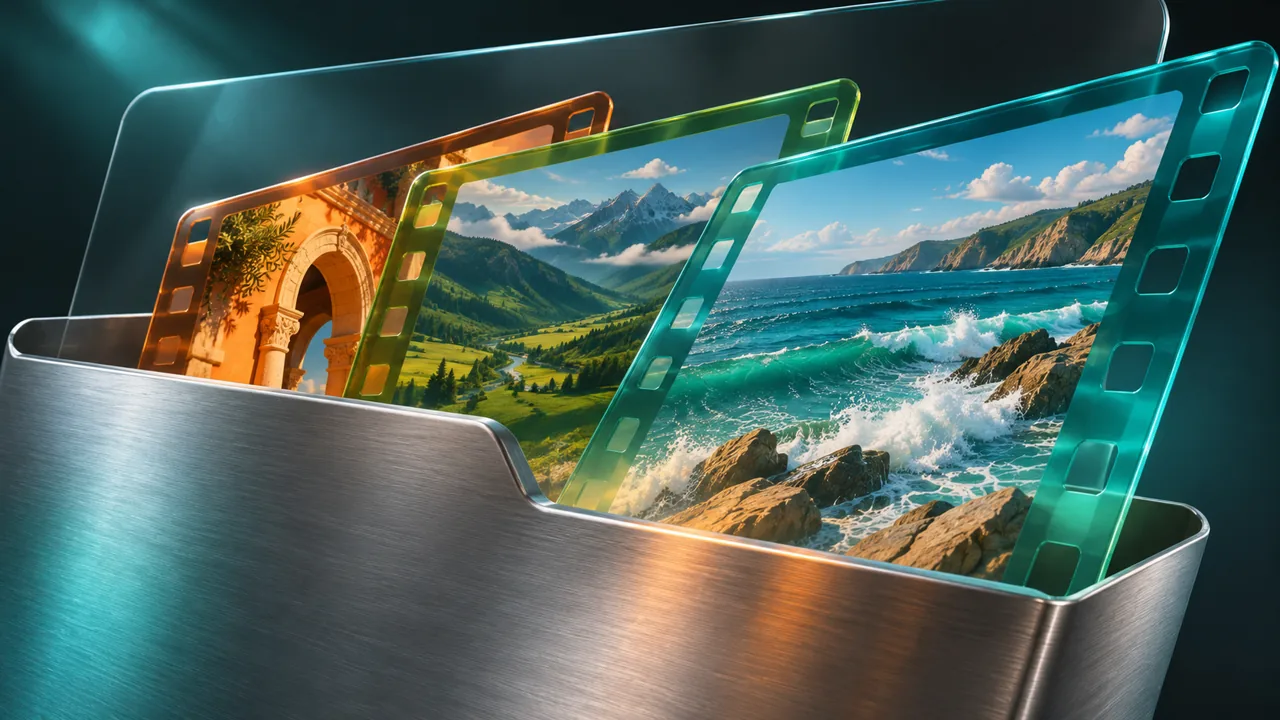
Sometimes a media server is more than you need. You have a folder of videos on the computer in front of you and want a comfortable way to browse it. Virelo Web opens that folder in your browser, without signing up, uploading the videos or installing an application. The files stay where you put them.
On this page
Choose the folder you want to watch
Open the web player linked below and choose a video folder. The browser asks you to select what Virelo may read; opening the site does not give it access to the rest of your drive. Start with a folder you recognise rather than selecting everything on the computer.
Virelo builds a browsable library from that selection. Thumbnails make similar filenames easier to tell apart, and you can open a video without moving it into a new media folder. Browsing and playback do not rewrite the original files.
Your browser remembers the library
Thumbnails, watch progress, favourites and named playlists live in local browser storage. That is useful when you return to a recording halfway through or arrange several clips for later. A playlist is an order of references to your videos, not another copy of them.
This storage belongs to the site in that browser profile. It is not an online account that automatically follows you to a different browser or device. Clearing site data can remove your saved library state without deleting the source videos, so export anything you want to keep before clearing it.
Check the browser before committing a collection
Folder selection and permission behaviour vary between browsers. Use a current browser with directory-selection support and try a few representative videos first. The container, video codec and audio codec all affect playback; a familiar file extension alone is not a guarantee.
On supported browsers, you can optionally add Virelo to your home screen as a PWA. This gives it a convenient app-like entry point, not universal codec support or a server that streams your local folder to other devices. The npm edition is the separate option for hosting a library.
Take your library state with you
Settings → Export / Import can save settings alone or your library and settings. A library export includes registrations, favourites, progress, metadata and playlists, but not the videos, artwork or folder-access permissions. Keep the backup private: library information can reveal what you watch.
A library import requires an empty destination library. After importing, reconnect each folder and grant browser access again; permissions cannot travel inside the backup. Keep your original media separately backed up, too. Exporting Virelo’s library state is not a backup of the video collection itself.